Free tool offered by Écran Blanc
Your next trade show starts here.
Plan your trade show and convention participation: a dated checklist generated automatically, your team, budget, promotional purchases and logistics, all in one place, on your phone or your computer.
Free, no credit card. Sign in with a link sent to your email.
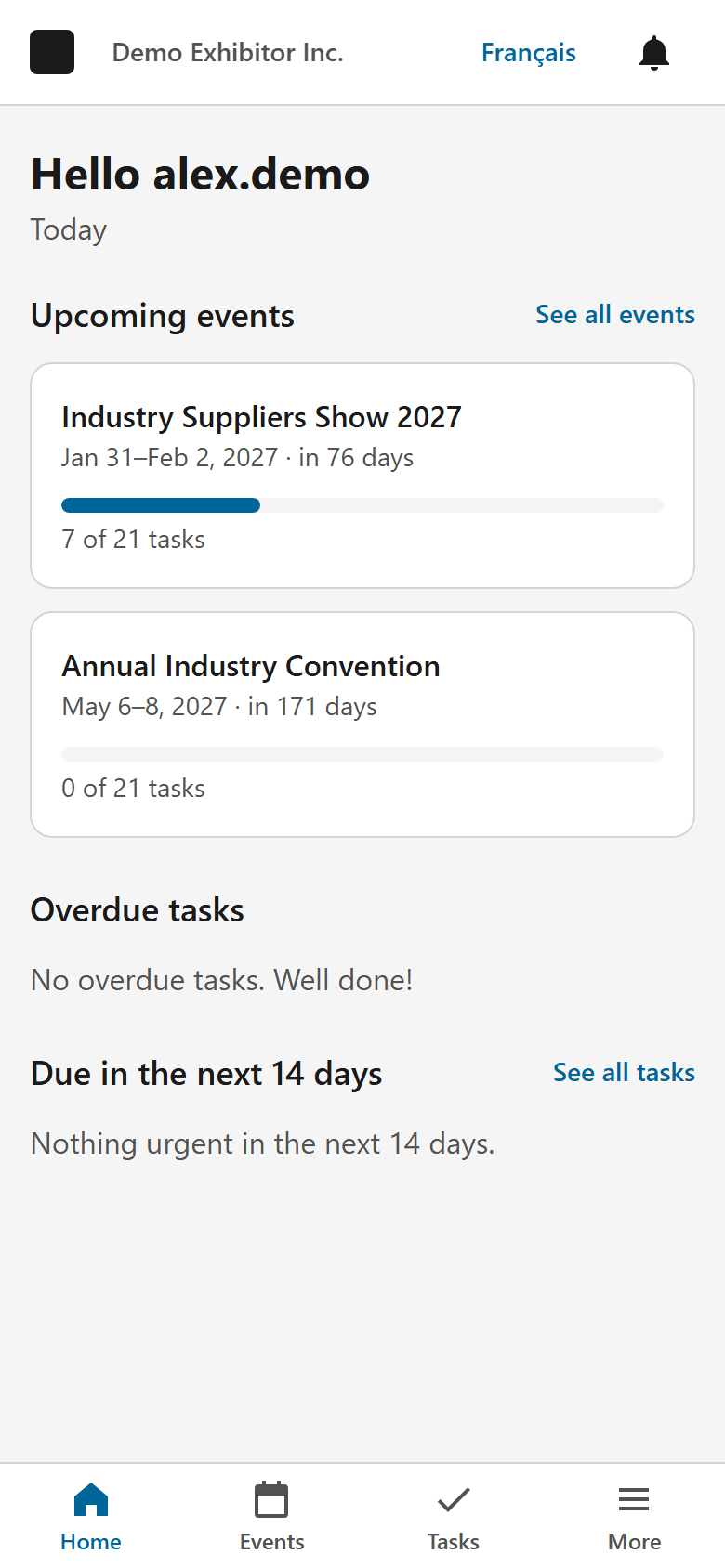
Everything you need to prepare a trade show
The tools an exhibitor needs, from booking the booth to the post-show review.
Events
Dates, venue, booth, organizer and target budget for each trade show or convention. Duplicate an event to prepare next year’s edition.
Automatic checklist
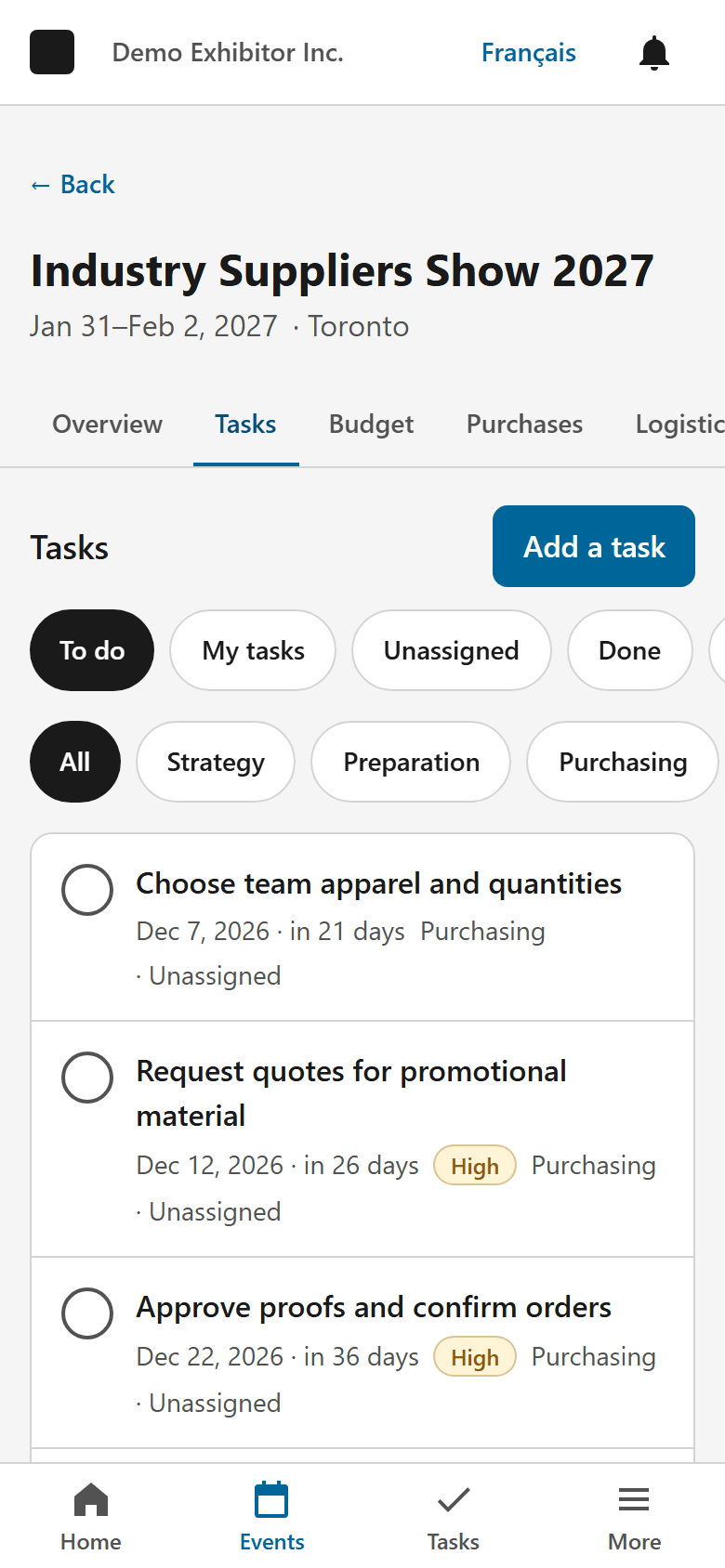
21 recommended steps, dated from your event’s start date, from booking the booth to post-show follow-ups. Everything stays editable.
Team
Invite colleagues to your organization, assign tasks and choose each person’s role.
Budget
Track planned, actual and variance against your target budget, line by line.
Logistics
Setup and teardown instructions, power and Internet, delivery and tracking of your shipments.
Reusable equipment
Keep an inventory of your banners, counters and screens, and reserve them from one event to the next.
Private documents
Contract, exhibitor manual, booth plan, invoices: visible only to members of your organization.
Notifications
Task assigned, deadline approaching, event starting: reminders appear in the app.
How it works
Create your account
Enter your email address and click the link you receive. No password to remember.
Add your trade show
Name, dates and venue: the checklist is generated from the start date.
Invite your team
Share the tasks and follow everyone’s progress.
Prepare purchases and logistics
Budget, promotional items, shipments and documents in one place, right up to the post-show review.
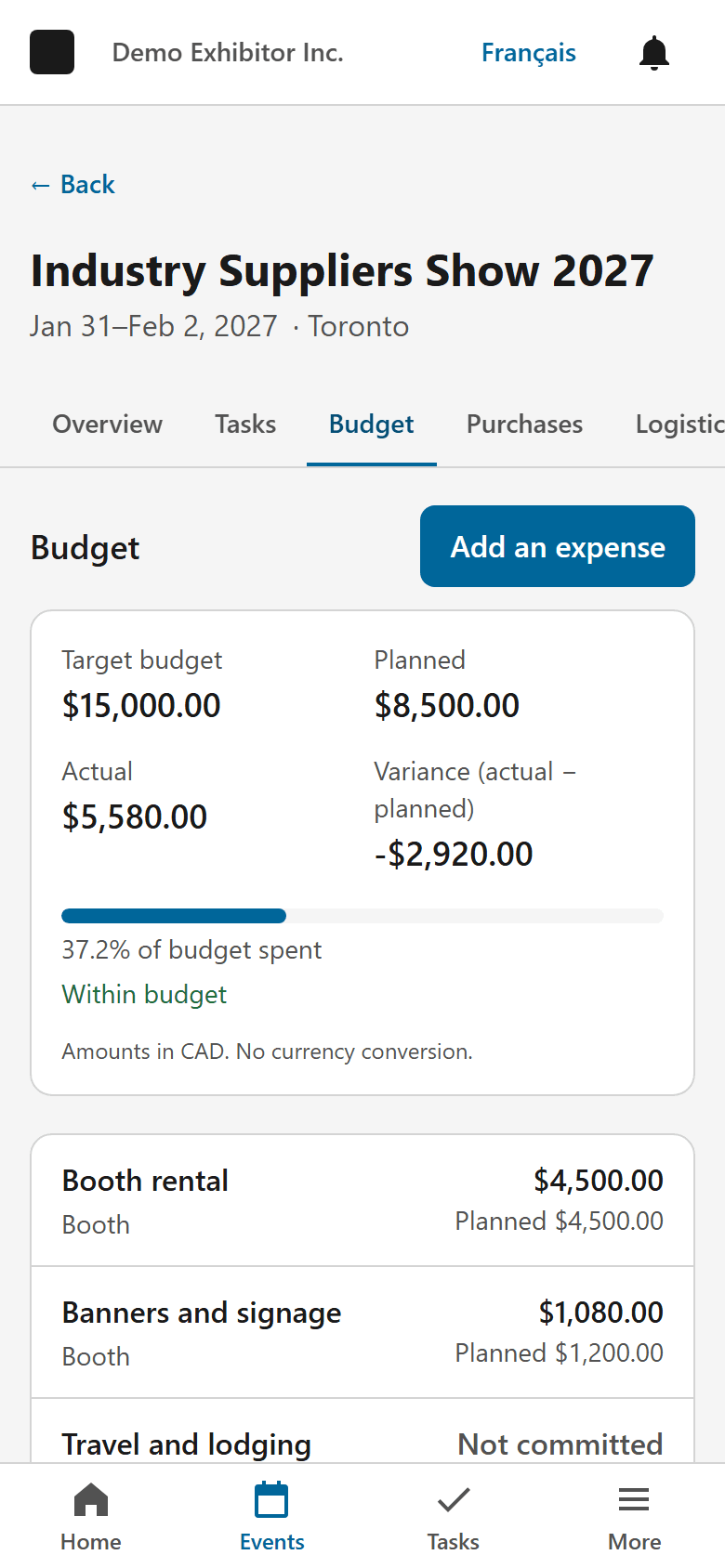
Plan your promotional purchases
For each event, list promotional items, team apparel, signage and tents, with quantities, customization and desired date. Search the Écran Blanc catalogue to add a product in seconds, or freely enter a purchase from another supplier.
- Suggested order date based on the supplier’s stated lead time, as an estimate.
- A quote request summary ready to copy, which you send to Écran Blanc yourself using the quote form on its website.
- Prices and lead times are confirmed only in Écran Blanc’s quote.
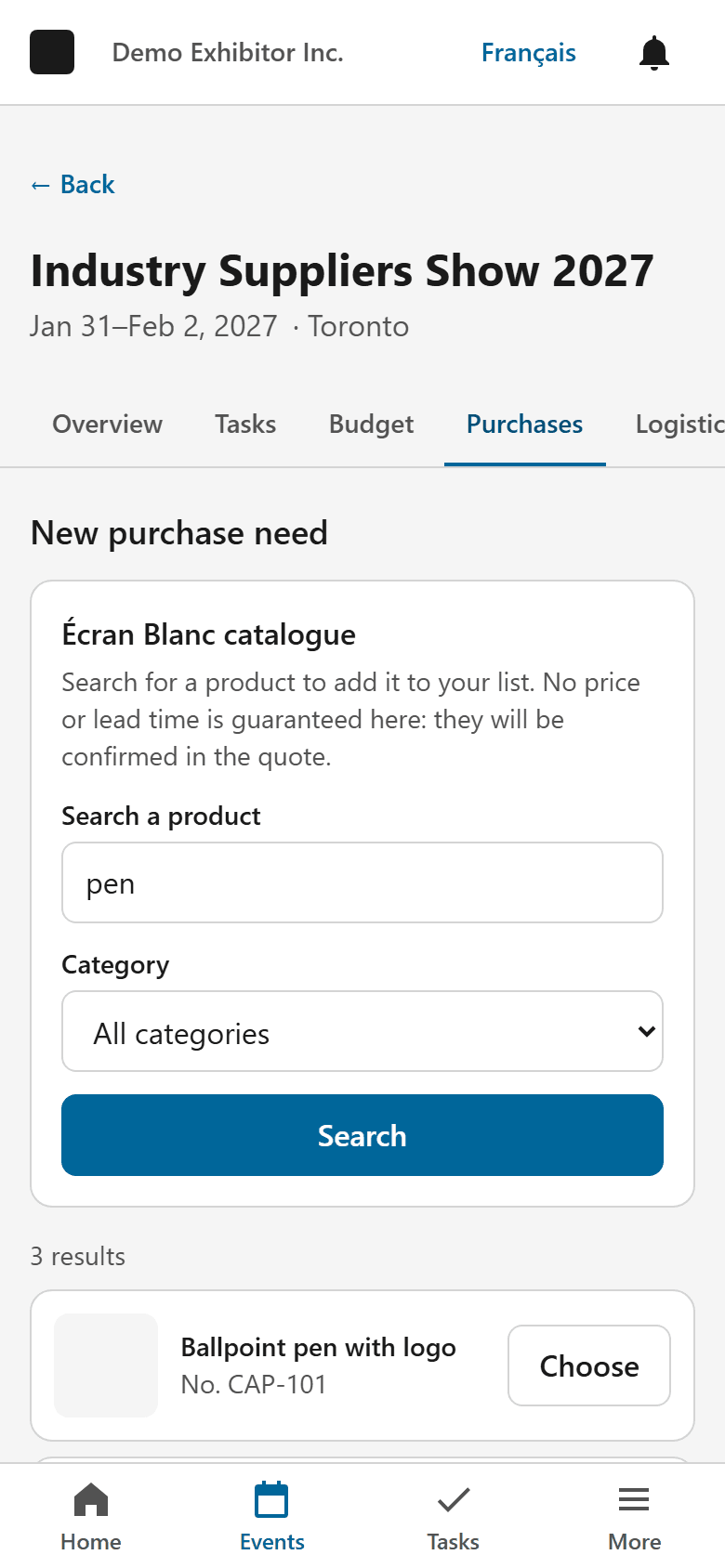
Designed for your phone
The app runs in the browser on your phone, tablet or computer, with nothing to download. Add it to your home screen to open it like an app.
- iPhone and iPad: in Safari, tap Share, then “Add to Home Screen”.
- Android: in Chrome, open the ⋮ menu, then “Install app” or “Add to Home screen”.
An Internet connection is required to view and save your data.
Frequently asked questions
Is it really free?
Yes. The Trade Show & Convention Planner is offered free of charge by Écran Blanc, with no credit card and no trial period. You are under no obligation to buy from Écran Blanc.
Why does Écran Blanc offer this tool?
Écran Blanc Inc. offers custom promotional items, signage, tents and team apparel. We built this tool to help our customers, and all exhibitors, prepare their trade shows better.
Is my data used for marketing?
No. Your events, tasks, budgets, documents and teams are used only to run the app; they are never sold or used for marketing. Receiving Écran Blanc offers is optional, unchecked by default and can be withdrawn at any time in your settings.
Who can see my documents?
Only members of your organization. Files are kept in private storage and every access is checked.
Is my quote request sent automatically?
No. The app prepares a summary that you review, then send to Écran Blanc yourself using the quote form on its website. Nothing is sent without your action.
How do I sign in?
With your email address: you receive a sign-in link, no password needed. If you already have a customer account on ecranblanc.ca, use the same address.
Can I export or delete my data?
Yes. You can export your organization’s data and delete your data from the settings.
Is the tool suitable for trade show organizers?
It is designed for exhibitors. Ticket or booth sales are not part of it.
Ready for your next trade show?
Create your free account and get your checklist in minutes.
Free, no credit card. Sign in with a link sent to your email.